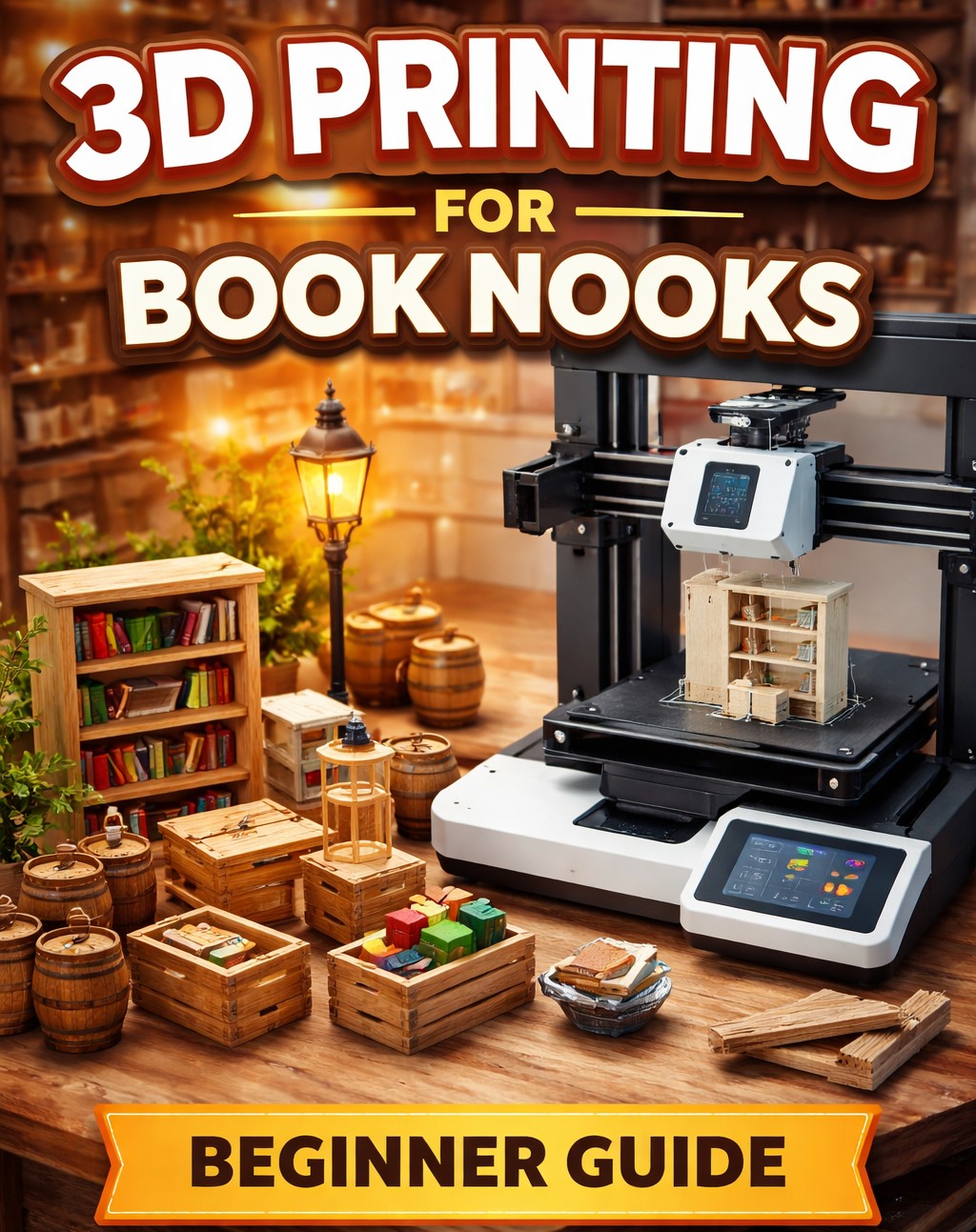
Intro
If you’ve ever looked at a book nook and thought “I wish I could customise that…” — 3D printing is where things get interesting.
From tiny furniture and staircases to completely custom structures, a basic 3D printer can take your builds from kit-based to fully personalised.
The good news? You don’t need to be technical to get started.
What Can You 3D Print for Book Nooks?

Start simple. The best early wins are:
- Shelves, tables, chairs
- Crates, barrels, books
- Staircases and ladders
- Window frames and doors
- Custom signs or shop details
These are small, quick prints — perfect for learning without wasting material.
Do You Actually Need a 3D Printer?
Short answer: No — but it unlocks a lot.
You should consider one if:
- You’ve built multiple kits already
- You want to customise or kitbash
- You enjoy the “making” side, not just assembling
If you’re still on your first or second kit, stick with kits for now — 3D printing becomes valuable once you know what you wish kits had.
Find here recommendations for 3 different types of 3D printers
What Else Do You Need?
Keep it simple:
- PLA filament (easy, clean, beginner-friendly)
- Free software like Cura or Bambu Studio
- A few STL files (the actual models)
Where to Find Free STL Files
- Thingiverse
- Printables
- Cults3D
Search terms that work well:
- “1:24 miniature furniture”
- “book nook accessories”
- “dollhouse props”
Basic Workflow (No Tech Jargon)

- Download an STL file
- Open it in slicing software
- Click “slice” → send to printer
- Remove + clean up
- Paint and install in your book nook
That’s it — you don’t need CAD skills to start
Tips Specifically for Book Nooks
This is where most beginners go wrong:
- Scale matters → most kits are 1:24 or 1:48
- Print small first → large prints fail more often
- Use 0.2mm layer height for detail
- Paint everything — raw prints look plastic
Common Beginner Mistakes
- Printing something too big too soon
- Ignoring scale (huge chairs happen…)
- Expecting perfect prints immediately
- Buying the cheapest filament possible
Is It Worth It for Book Nooks?
If you just want to build kits → no
If you want to create → absolutely
3D printing is what turns this hobby from:
assembling kits into designing your own miniature worlds
Copyright Book Nook Workshop 2026 – All rights reserved. (David Richards)
Leave a Reply