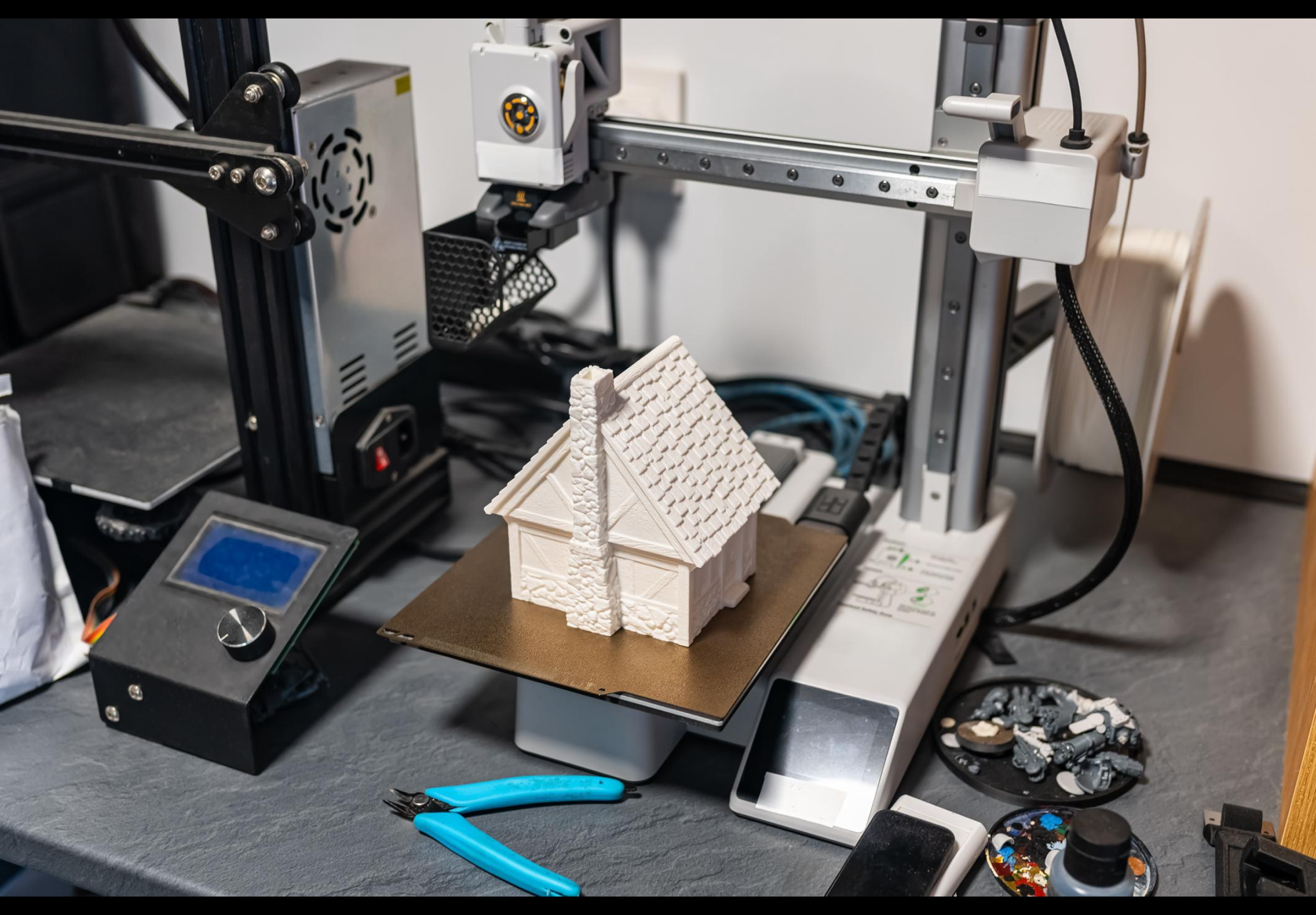
If you build a lot of models—especially book nooks, dioramas, or miniatures—you’ve probably wondered:
Should I buy a 3D printer?
For some hobbyists, it becomes one of the best upgrades they ever make. For others, it ends up unused after the initial excitement wears off.
This guide breaks down the real benefits, downsides, and whether it’s actually worth it for your style of building.
What a 3D Printer Really Adds to Your Builds
A 3D printer doesn’t replace kits—it expands what’s possible.
Instead of being limited to what comes in the box, you can:
- Create completely custom parts
- Replace broken or missing pieces
- Match exact scale (1:24, 1:48, etc.)
- Design builds that don’t exist as kits
👉 This is where many builders shift from assembling to creating.
The Key Benefits
1. Unlimited Customisation
You’re no longer restricted by kit design. If something doesn’t exist—you can make it.
2. Access to Thousands of Designs
Platforms like Thingiverse and MyMiniFactory give you access to massive libraries of printable models.
Many are free, and others cost just a few pounds.
3. High Detail (With the Right Printer)
- Resin printers → incredible detail, smooth finish
- FDM printers → cheaper, better for larger parts
For book nooks, resin is usually the better choice.
4. Long-Term Savings (If You Build Often)
If you regularly buy:
- Extra kits for parts
- Accessories packs
- Replacement pieces
Printing your own can save money over time.
👉 But only if you actually use the printer consistently.
The Downsides You Should Know
1. Upfront Cost
A full setup includes:
- Printer
- Materials (resin/filament)
- Cleaning supplies and tools
It’s more than just buying a machine.
2. Learning Curve
You’ll need to learn:
- Slicing software
- Print settings
- Troubleshooting failures
Expect trial and error early on.
3. Time Investment
Printing isn’t instant:
- Prints can take hours
- Failures happen
- Post-processing adds time
4. Space & Safety (Especially Resin)

Resin printers require:
- Ventilation
- Gloves and safe handling
- Cleaning with alcohol
Not ideal for every home setup.
Recommended 3D Printers (Beginner → Advanced)
🟢 Budget Option: Creality Ender 3 V2 (FDM)

Pros:
- Very affordable
- Huge community support
- Good for larger structures
Cons:
- Struggles with fine detail
- Needs tuning and upgrades
- Visible layer lines
👉 Best for beginners testing the waters
👉 Check out the price on Amazon here
🔵 Mid-Range: Anycubic Photon Mono 2 (Resin)

Pros:
- Excellent detail
- Smooth finish
- Great value
Cons:
- Messy workflow
- Needs ventilation
- Smaller build area
👉 Best all-round choice for book nook builders
Check the price on Amazon here
🔴 Premium: Elegoo Mars 4 Ultra (Resin)

Pros:
- Exceptional detail
- Faster and more consistent
- Near professional results
Cons:
- Higher price
- Same resin drawbacks
- Overkill for casual users
👉 Best for serious hobbyists
👉 Check for current deals on Amazon today
What Can You Actually Print for Book Nooks?
🪑 Furniture & Structures

- Chairs, tables, shelving
- Doors, windows, staircases
👉 Great even with basic printers
📚 Props & Fine Details

- Books, bottles, lanterns
- Signs, clocks, decorations
👉 This is where resin printers shine
🐈 Characters & Personal Touches

- Animals, people, fantasy figures
- Personalised elements
👉 Makes your builds unique
💡 Lighting & Functional Parts

- LED housings and diffusers
- Battery holders and switches
🔧 Repairs & Upgrades

- Replace broken pieces
- Improve weak parts
👉 Huge long-term value
Hidden Costs of 3D Printing (What Nobody Tells You)
This is where many buyers get caught out.
Ongoing Materials
- Resin or filament isn’t free
- Costs add up over time
Cleaning & Consumables
- Isopropyl alcohol (for resin)
- Gloves, paper towels
- Replacement parts (FEP films, nozzles)
Failed Prints
Not every print works.
- Wasted material
- Lost time
- Frustration
Upgrades & Extras
Many users end up buying:
- Better build plates
- Wash & cure stations
- Enclosures or ventilation setups
👉 The “cheap printer” often becomes a bigger investment.
A Smarter Way to Start
Before buying a printer:
- Download a few STL files
- Use a local printing service or Etsy seller
- Test how useful printed parts are
👉 This avoids wasting money if it’s not for you.
Final Verdict: Is It Worth It?
A 3D printer isn’t essential—but for the right builder, it’s transformative.
- If you enjoy customisation and creativity → it’s worth it
- If you prefer simple, relaxing builds → probably not
Think of it this way:
- Kits = following instructions
- 3D printing = designing your own world
Copyright Book Nook Workshop 2026 – All rights reserved. (David Richards)

Leave a Reply